




Something about writing content — even if I have to copy and paste it across multiple platforms — stresses me out. I hate dealing with different interfaces and having to coerce my content to fit. Learning how to use Paperclip to automate posting has been a game changer.
I’ve always had a hard time consistently posting. I’m hoping this is the unlock.
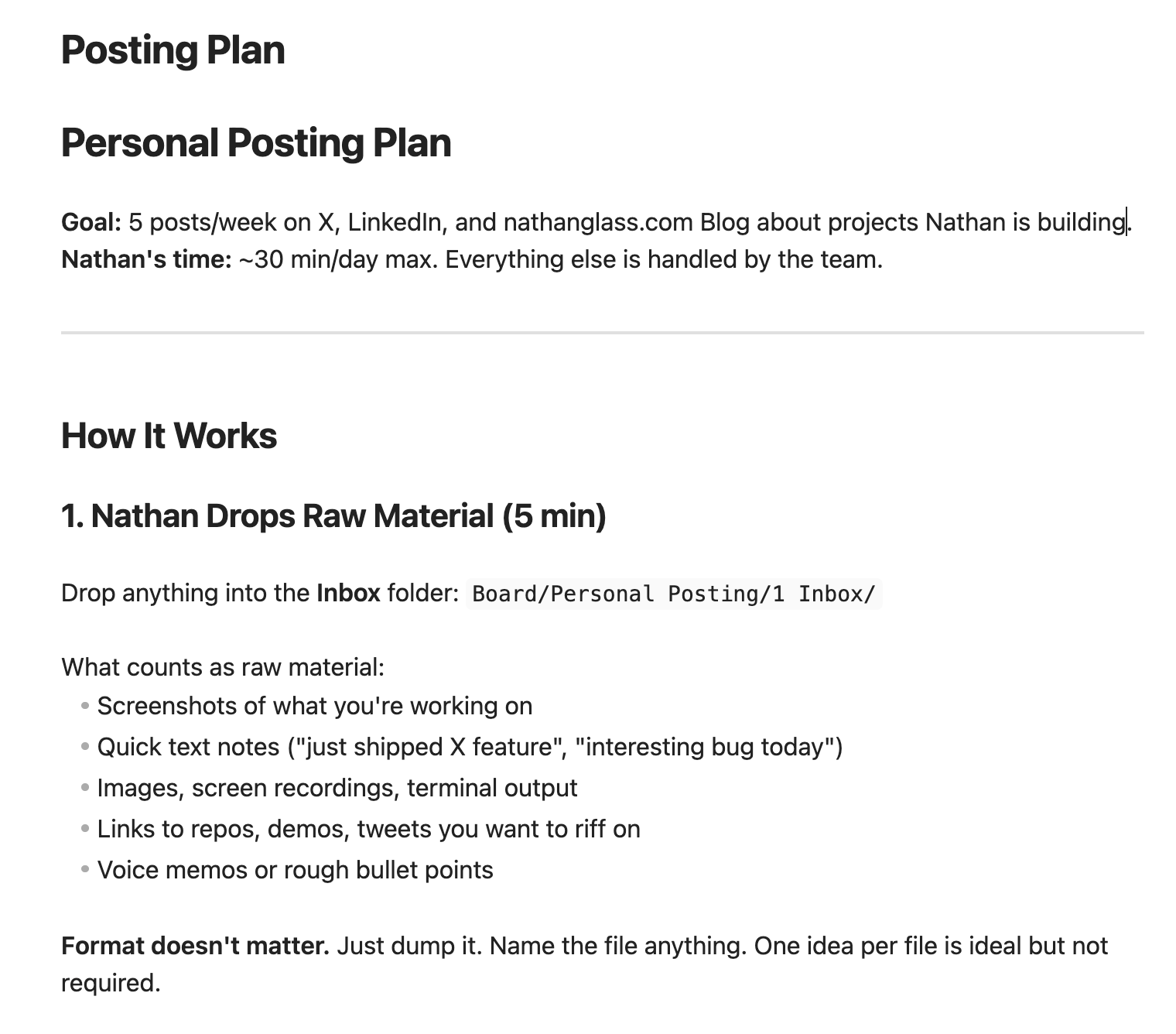
The Workflow
Now all I have to do is:
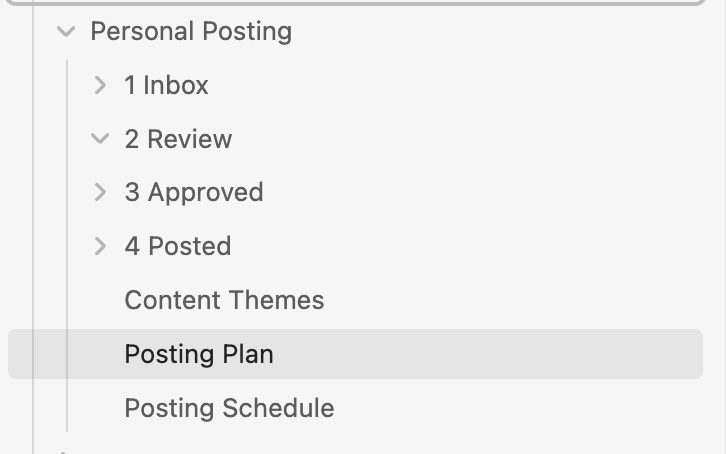
- Open Obsidian (my notes app that I’m already working in)
- Create a new note and dump my thoughts and screenshots
- Walk away
AI agents handle the rest — editing, cleanup, formatting for each platform, scheduling on a staggered cadence, and posting. Content goes out to X, LinkedIn, and my blog without me ever logging into those platforms.

Why This Matters
The biggest bonus: I don’t have to log into these platforms and get sucked into messages, content, and notifications.
I learned this trick from Tim Ferriss years ago. He talked about using tools to post for him, mostly so he wouldn’t have to go into those apps and get pulled in. That resonated deeply.
When ideas pop into my head, I just create a new note right there. I don’t have to break my train of thought. When I go to LinkedIn and X directly, my brain has to switch gears and I lose focus. With this system I’m already in the flow of working — I’m already looking at files and things my agents are doing — so it’s very natural to pop in and do a brain dump.
The Three Ways Agents Interface With Tools
This is part of the broader challenge of managing AI agents: deciding how they should interface with external services. You basically have three options:
1. API (Most Reliable)
If you know how to navigate code, you can make your own API calls. APIs have been around for a long time. They’re well-structured, robust, and consistent.
2. MCP (Newer, Also Reliable)
Model Context Protocol is designed specifically for AI agents. These are also very good and reliable for agent-to-tool communication.
3. Browser Automation (Most Risky)
Having an agent control Chrome to navigate websites and click buttons is the most capable but most error-prone approach. It requires your computer to be on, you to be logged in, and the agent to navigate successfully. Lots of failure points.
The Setup Challenge
The real pain is APIs. Within LinkedIn and X you have to log into the developer console, set up an app, configure API keys and OAuth. It’s a giant pain. But once configured, agents run very consistently.
The browser alternative would work without API setup — but it’s fragile and requires much more from your environment.
The Benefits
- No distractions. I never open X or LinkedIn. My creative flow stays intact.
- Automatic editing. Raw brain dumps get cleaned up and formatted per platform.
- Automatic scheduling. Posts go out on a staggered cadence — I don’t think about timing.
- Already in context. I’m already working in Obsidian, already looking at agent activity. Creating a note is zero friction.
My Dream for Posting
This is what I always wanted: a system where the hard part (writing my thoughts) is all I do, and the tedious parts (formatting, scheduling, logging in, posting) are handled by agents running in the background.
If you’re building with AI agents, think about where the friction is in your own workflows. Often it’s not the creative work — it’s the distribution.